
WCAG in Your Pocket: A GAAD Launch Story

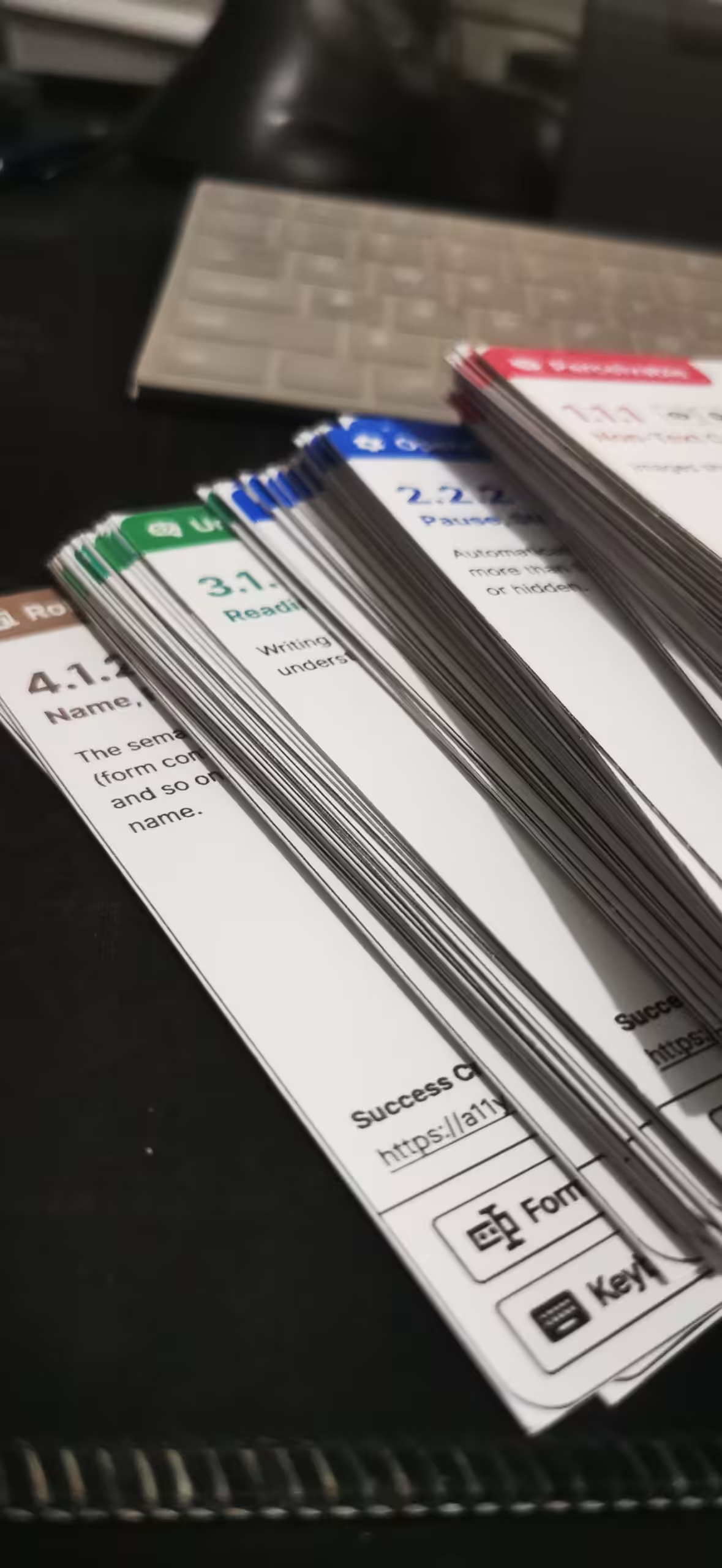
A while back, I printed a set of flash cards covering the WCAG success criteria. The idea was simple: carry them around, read through them during commutes, waiting rooms, idle moments. Learn accessibility standards the way you might learn a new language. In small doses, consistently.
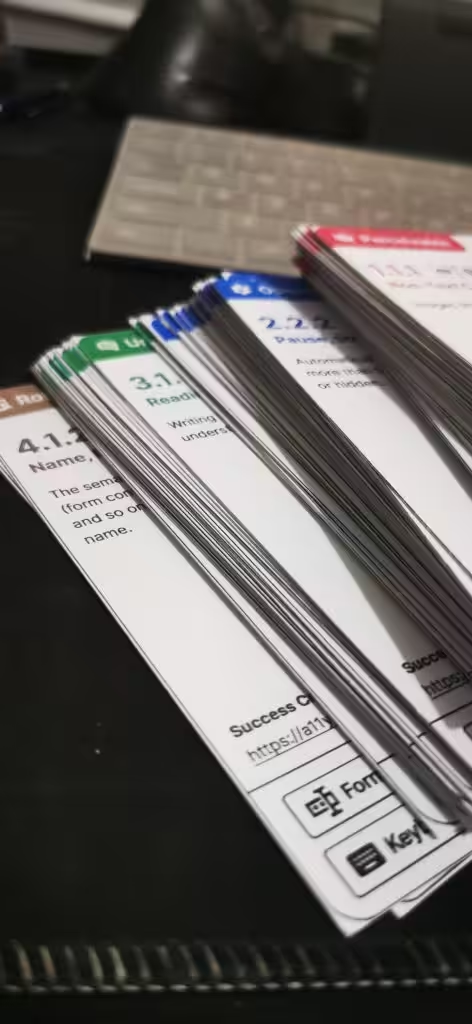
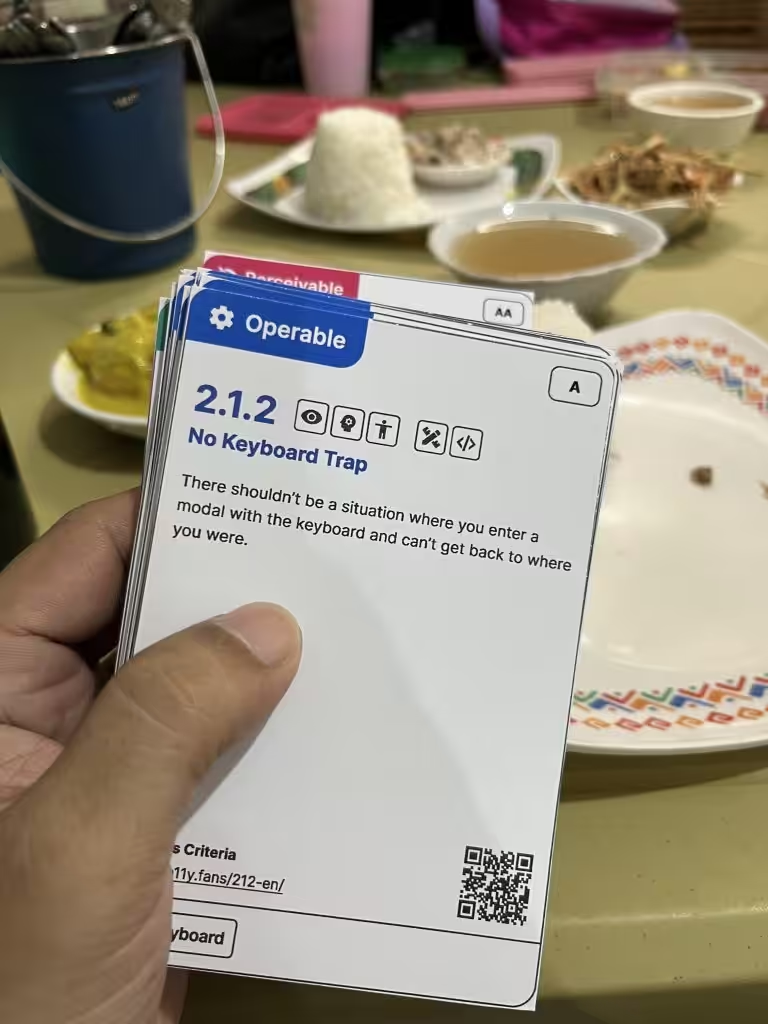
It worked, mostly. But the cards were bulky. And I recently bought a smaller bag. The cards got worn and messy. And they only carried so much information. If I wanted to understand the intent behind a criterion or read through the full normative text, I had to pull out my phone, scan a QR code, wait for the page to load, and hope I had a decent signal.
That friction added up. I kept thinking: there has to be a better way. I’ve thought about a mobile app but when I searched for one in the mobile app stores, I couldn’t find any. Most accessibility apps I found were related to color contrast.
What WCAG Reference Is
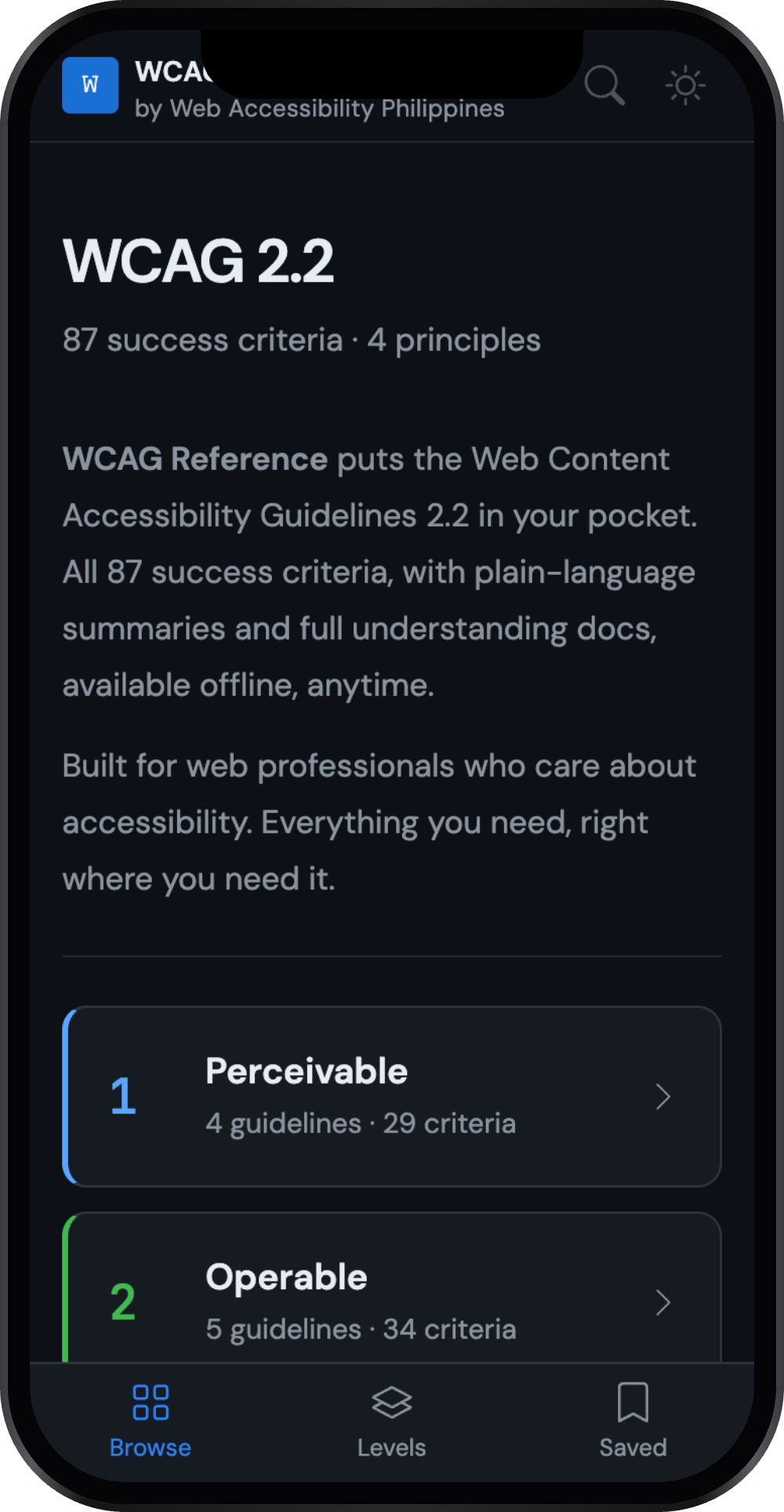
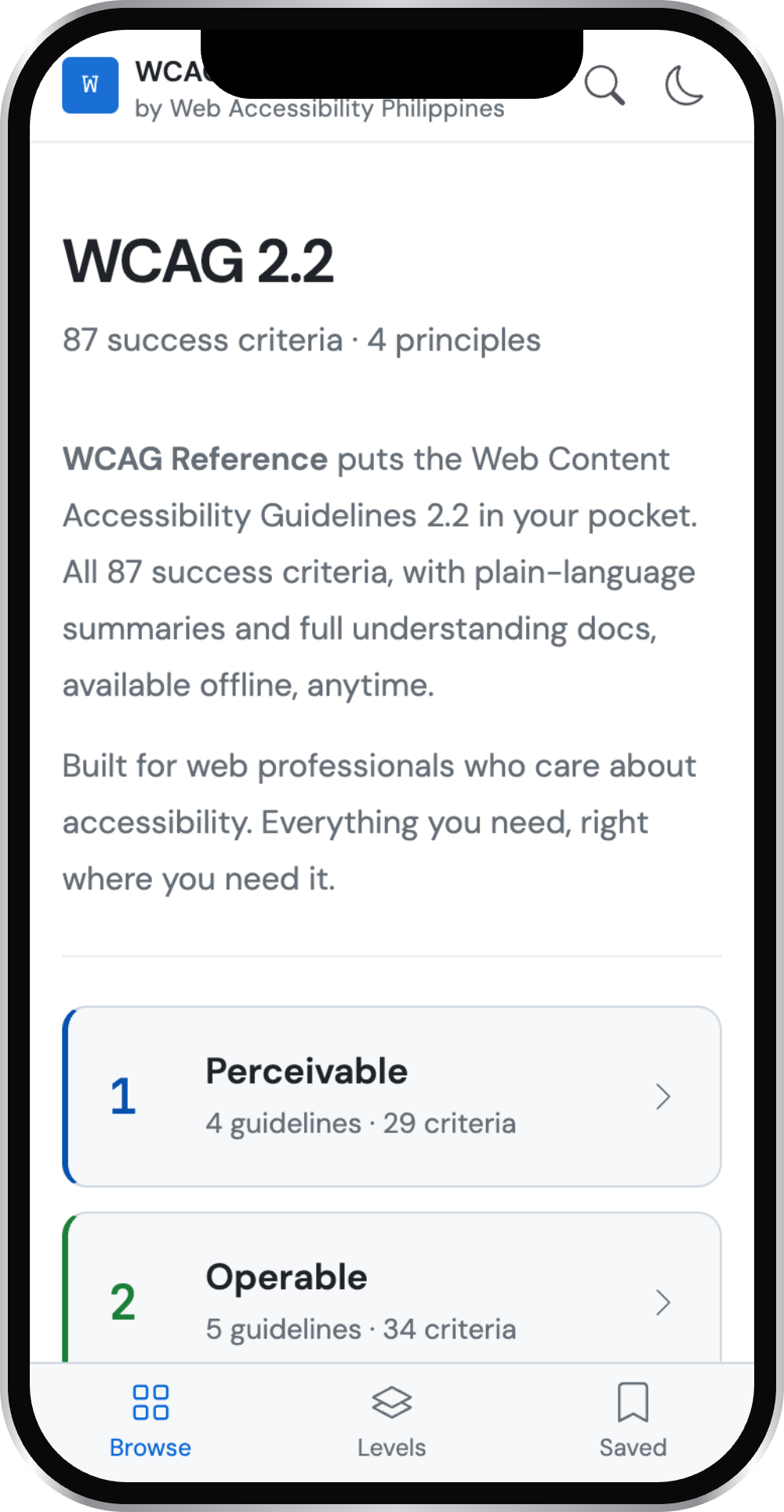
WCAG Reference is a free, installable web app that puts the entire Web Content Accessibility Guidelines 2.2 in your pocket. All 87 success criteria, organized by principle and conformance level. Full normative text. Plain-language summaries. Understanding docs that explain the intent behind each criterion.
And it works offline. Once you install it, you don’t need an internet connection to use it. No loading, no waiting, no signal required. You can also search and bookmarks success criteria, and switch between light and dark modes.
It is built for web professionals: developers, designers, content strategists, QA testers, project managers. Anyone who works on the web and wants quick, reliable access to accessibility standards without having to navigate the W3C website every time.
How to Install It
I chose to build WCAG Reference as a Progressive Web App for a few reasons. PWAs install directly from the browser, work offline, and feel like native apps without the overhead of going through an app store. Publishing to the Apple App Store or Google Play Store requires annual developer fees, which makes them impractical for a free community tool at this stage. A PWA removes that barrier entirely. Anyone with a phone and a browser can install it in seconds, no account or payment required.
On Android:
- Open wcag.webaccessibility.ph in Chrome
- Tap the three-dot menu in the top right
- Tap Add to Home Screen
- Tap Install
On iOS:
- Open wcag.webaccessibility.ph in Safari
- Tap the Share button at the bottom of the screen
- Tap Add to Home Screen
- Tap Add
Once installed, the app icon will appear on your home screen just like any other app. Open it once while connected to the internet to cache the content, and from then on it works fully offline.
On desktop, you can also install it from Chrome or Edge by clicking the install icon in the address bar.
Why Accessibility Matters to Me
Web Accessibility Philippines is a venture combining accessibility training, consulting, and advocacy for the local web community. I am part of the team behind it, and accessibility has been at the core of my professional work for years. Accessibility is not just a professional interest for me. It is a commitment to the idea that the web should work for everyone, regardless of ability.
WCAG is the foundation of that work. It is the standard that supports accessibility audits, legal compliance, and inclusive design decisions across the industry. Yet for many Filipino web professionals, it can feel distant or intimidating. The W3C documentation is thorough but dense. It is easy to get lost. I can tell from experience.
WCAG Reference started as a tool I genuinely needed for myself. Having it on my phone, offline, searchable and complete, has already changed how I work. I hope it does the same for you.
What’s Coming Next
This is version 1.1.0, as of this writing. The app is functional and useful today, but there is still a lot I want to add.
The next priorities are:
- Plain-language descriptions. The normative WCAG text is precise but can be difficult to parse quickly. I am working on adding a short, plain-language summary for each success criterion to make the content more accessible to everyone, including those newer to WCAG.
- Techniques and Failures. Each success criterion has a set of documented techniques for how to meet it, and documented failures that explain common mistakes. These are incredibly practical for day-to-day work, and they are coming in a future version.
- Self-hosted assets. Currently the app relies on a few third-party CDN libraries for fonts and UI components. Moving these in-house will improve load times and reduce external dependencies.
- Guideline-level navigation. Clicking a guideline reference from within a success criterion currently takes you to the parent principle. A future update will scroll you directly to the right guideline.
I’d be delighted to hear from you about any features you would like to see in the app. Send me a message.
A Note on the App Itself
It would feel odd to ship an accessibility app that does not meet accessibility standards. WCAG Reference is built to be WCAG 2.2 AA compliant. Color contrast, keyboard navigation, screen reader support, touch target sizes, and semantic HTML were all considered throughout development.
If you find an accessibility issue in the app, please let me know. That kind of feedback is especially welcome here.
Try It Today
WCAG Reference is free, open, and available now. It is a small tool built with a straightforward goal: make accessibility knowledge easier to carry. I hope it is useful to you, too.
Happy Global Accessibility Awareness Day.